15. Side Bets and Promotions for an Event
You create side bets and promotions once, in SBET and PRMO. For each event, you then select which of them apply.
Side bets. Press the LSK next to SIDE BETS (the data field shows SELECT >). The list shows all side bets with their minimum and maximum. Tap a side bet to tick or untick it, press EXE, and then press RETURN.
Promotions. Press the LSK next to PROMOTIONS (the data field shows SELECT >). The list shows all promotions with their amounts. Tap a promotion to tick or untick it, press EXE, and then press RETURN.
The event receives exactly what you tick: EXE replaces any earlier selection.
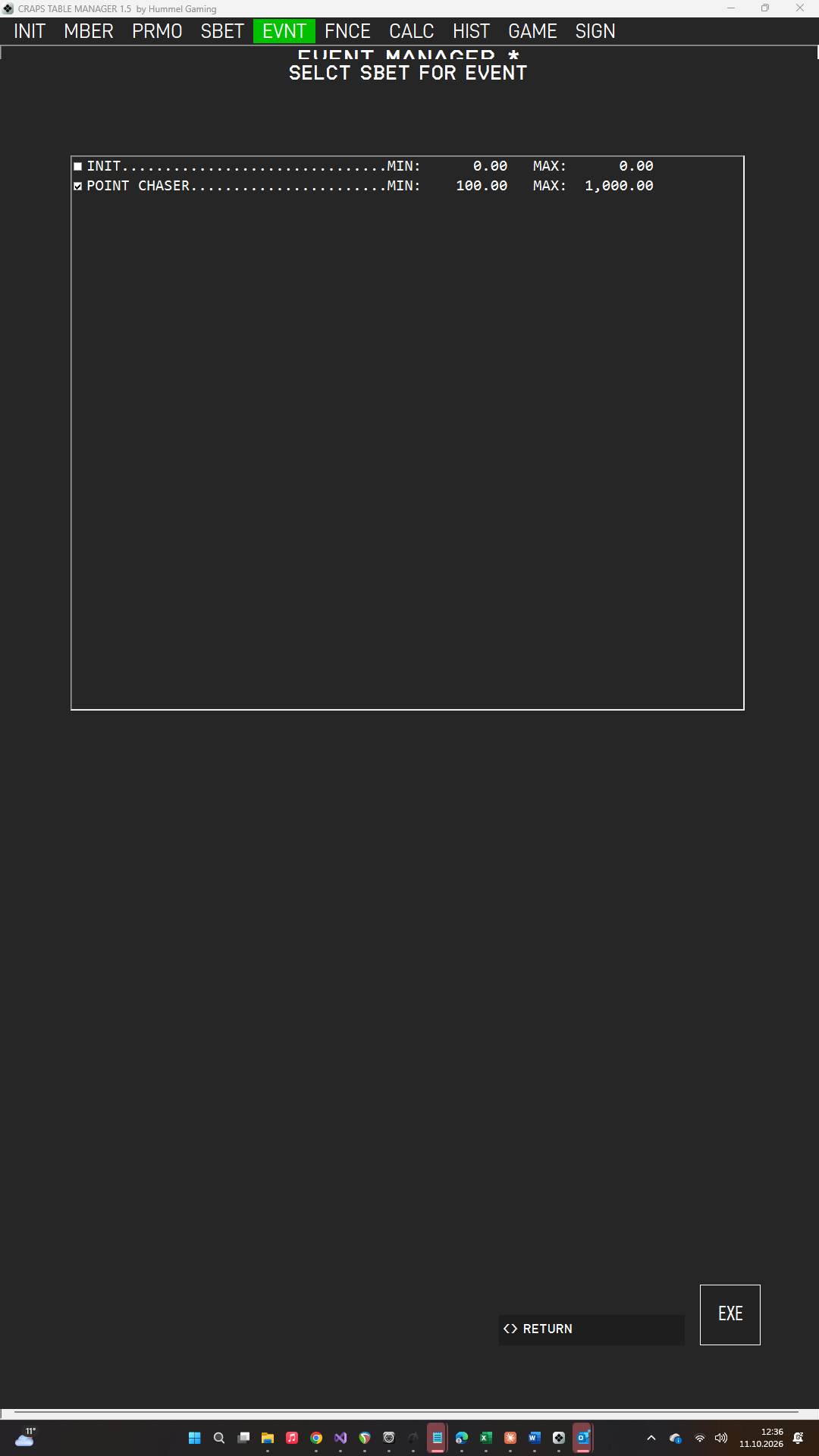
The selected side bets are printed on the fact sheet. If the Point Chaser is selected, CTM tracks it during the game. Only the promotions you select here can be booked to this event's players in Finance.
→ See Booking Starting Credit.